To take the product off the public pages of the shop, just click the slider shown on the right above - it will go grey if the item is not to be shown, or green if it is.
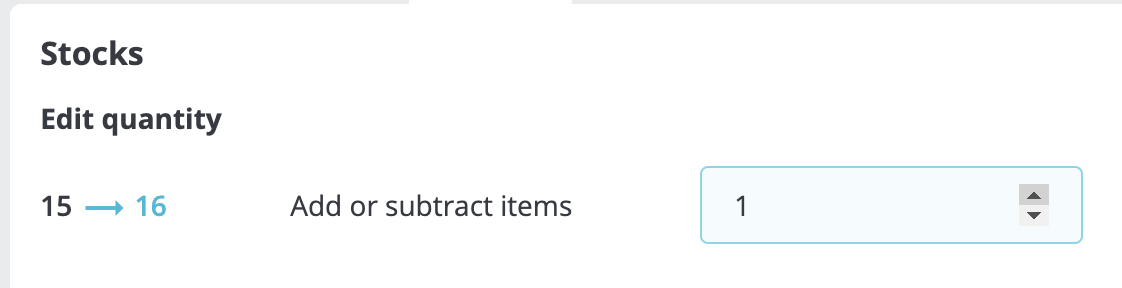
To change the number of items available, click the quantity figure (15 in the example above), and you will be shown the Stocks tab; using the up/down arrows, add or subtract as many items as you want - you can also just type the number in.
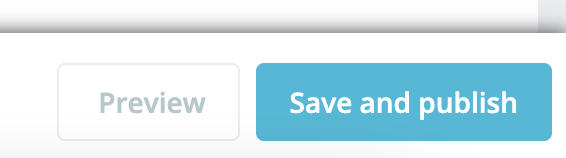
Important --- Click <Save and Publish> at the bottom right